
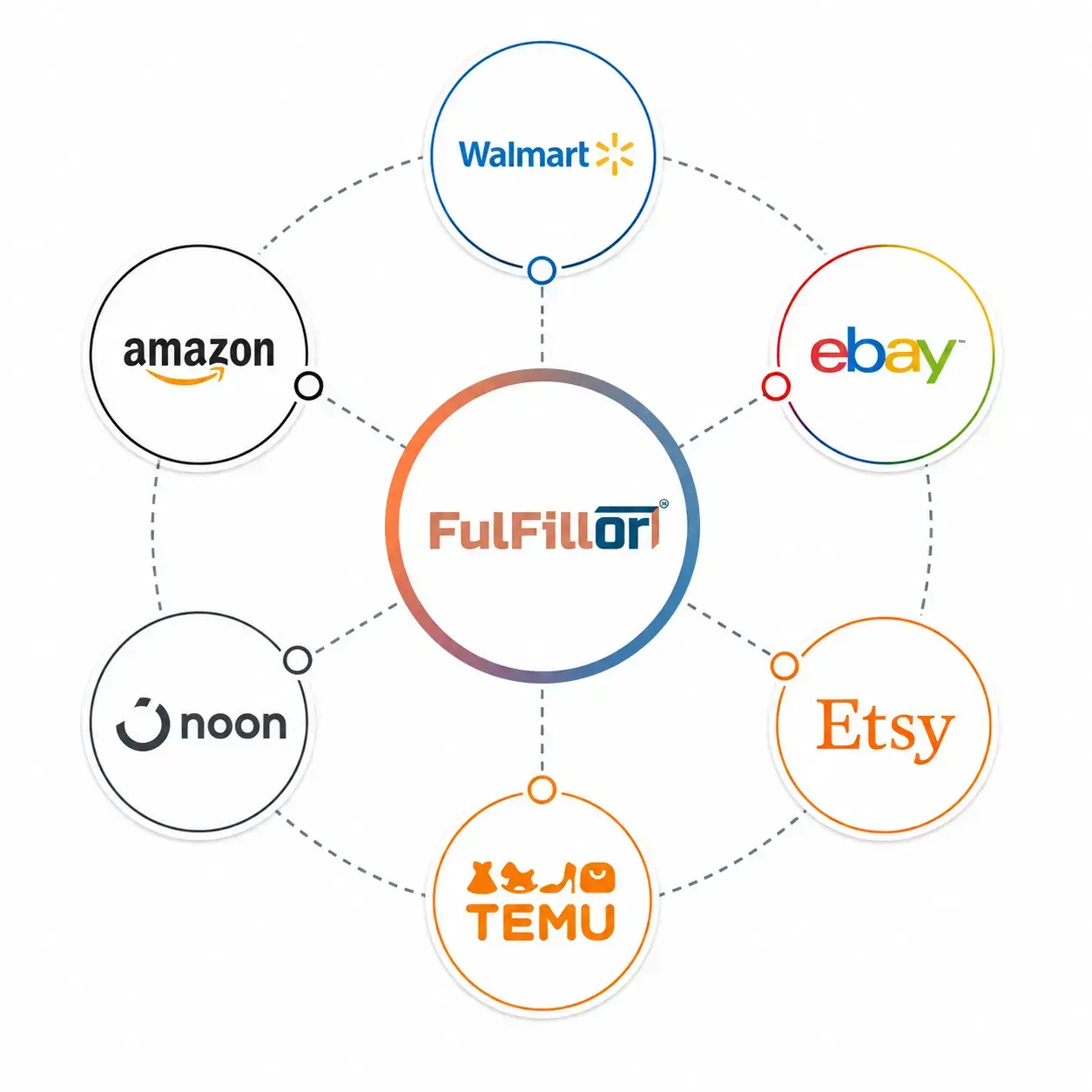
Key Benefits of Marketplace Integration with a 3PL WMS
Centralize Marketplace Orders
Bring orders from connected marketplaces into one warehouse workflow while keeping each client's account and marketplace order references identifiable.
Keep Client Connections Organized
Associate each marketplace connection with the correct client account so imported orders follow the relevant inventory and fulfillment setup.
Order & Inventory Exception Visibility
Flag failed syncs, missing SKUs, inventory mismatches, and order exceptions before they delay fulfillment.
Marketplace Inventory Sync
Keep marketplace stock availability aligned with warehouse inventory through supported updates. Sync direction and timing depend on the connection and configuration.
Fulfillment Status Updates
Send supported fulfillment confirmations, shipment statuses, and tracking details back to the originating marketplace.
Reduce Overselling Risk
Send available stock updates to connected marketplaces to reduce the risk of accepting orders for inventory that is no longer available.
Supported Marketplace Integrations
Browse Fulfillor's marketplace connections. Open a dedicated integration page where available to review the supported workflow. Order imports, inventory updates, fulfillment confirmations, and tracking capabilities vary by marketplace, account permissions, and configuration.
 AliExpress
 Etsy
 Amazon
 eBay
 Walmart
 Temu
 Noon
 OnBuy
 Lazada
 Shopee
What to Check Before Connecting a Marketplace
Confirm the seller account, required permissions, SKU mapping, inventory update direction, and order types the connection will handle. Test an order import and a fulfillment update before processing live volume. If stock is sold across several channels, agree on which system controls availability.
Review how omnichannel inventory management helps coordinate stock availability across connected sales channels.
See How Marketplace Integrations Work With Fulfillor
See how Fulfillor can connect marketplace orders, inventory, fulfillment status, and shipping workflows within one 3PL WMS.
Marketplace Integration FAQs
Yes. Fulfillor can connect supported marketplaces and centralize orders, inventory, fulfillment activity, and shipping workflows within one WMS.
Supported integrations can send inventory updates to connected marketplaces. The update direction, timing, and available stock calculation depend on the configured workflow. Confirm these settings before enabling stock updates.
Yes. Supported marketplace integrations can send fulfillment and shipment updates back to the originating marketplace, depending on the platform and configured workflow.
No. Supported order types, inventory updates, fulfillment confirmations, and tracking events vary by marketplace and connection. Confirm the required workflow and account access before setup.
Fulfillor can surface order, inventory, or SKU mapping exceptions so warehouse teams can review issues before they delay fulfillment.
Fulfillor may support custom API or connector workflows for platforms without a prebuilt integration, depending on available APIs and technical requirements.