
Key Benefits of Shopping Cart Integration with a 3PL WMS
Automatic Order Import
New orders from connected stores flow into Fulfillor without CSV uploads or repeated manual entry.
Two-Way Inventory Sync
Sync inventory changes between Fulfillor and connected stores to keep available stock aligned.
Fulfillment Status Updates
Send picking, packing, shipping, and tracking updates back to connected ecommerce platforms.
SKU and Product Mapping
Match store SKUs with warehouse inventory records to reduce product and order mismatches.
Multi-Store Order Management
Manage orders from multiple ecommerce stores through one connected warehouse workflow.
Order & Inventory Exceptions
Flag failed syncs, missing SKUs, unavailable stock, and order issues before they delay fulfillment.
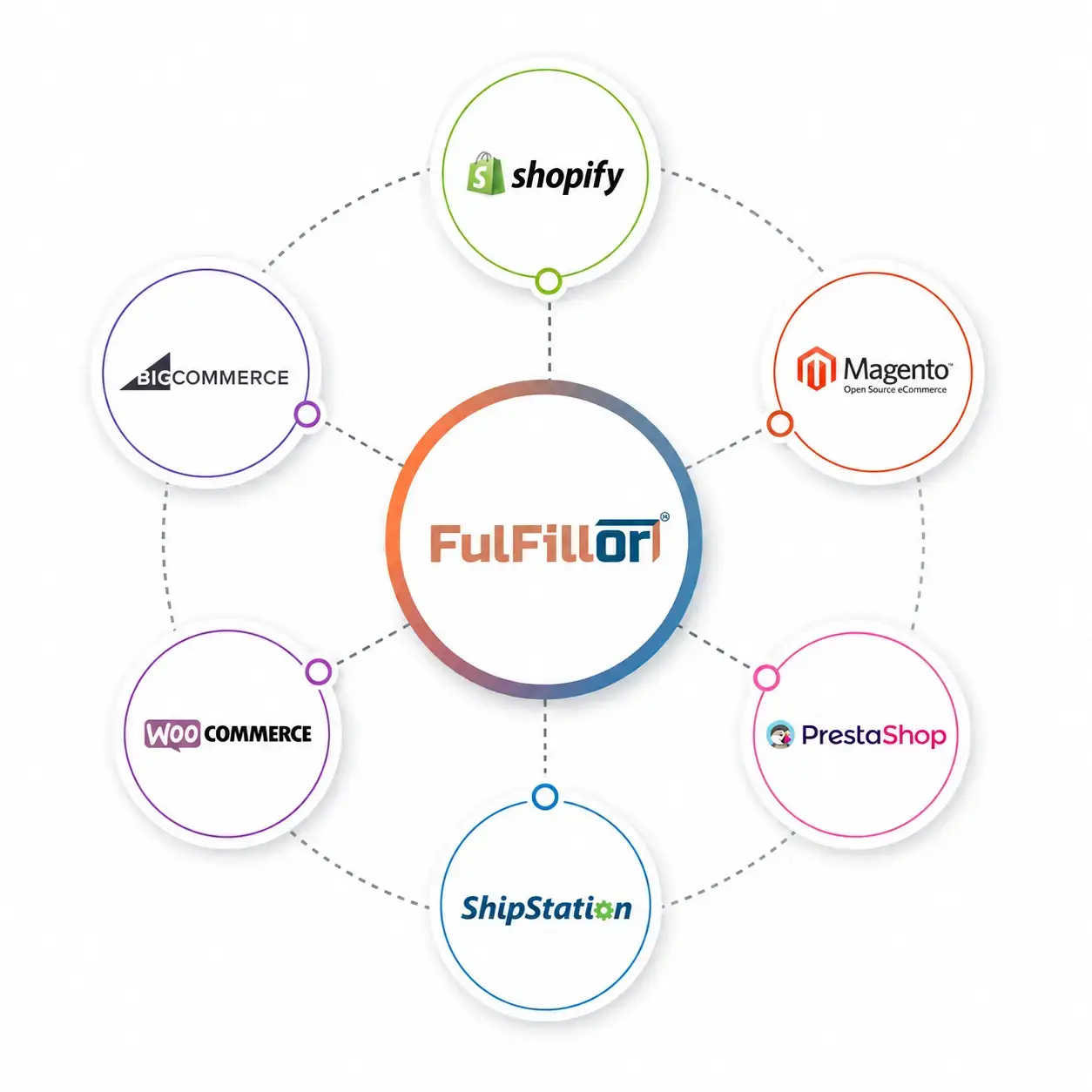
Ecommerce Platforms We Integrate With
Connect supported ecommerce platforms to sync orders, inventory, and fulfillment activity with Fulfillor.









See How Shopping Cart Integrations Work With Fulfillor
See how connected ecommerce stores can sync orders, inventory, fulfillment status, and shipping workflows with Fulfillor.
Shopping Cart Integration FAQs
Yes. Fulfillor can connect multiple supported ecommerce stores and centralize orders, inventory, and fulfillment workflows within one WMS.
Yes. Supported integrations can send inventory updates from Fulfillor back to connected stores so available stock stays aligned with warehouse activity.
Yes. Fulfillment and shipment updates can flow back to supported ecommerce platforms, depending on the integration and configured workflow.
SKU and product mapping can help match ecommerce products with warehouse inventory records. Unmatched products or failed mappings can be flagged for review before they disrupt fulfillment.
Yes. Fulfillor can centralize orders from multiple connected ecommerce stores while keeping inventory and fulfillment workflows organized within the same warehouse environment.
Fulfillor may support custom API or integration workflows for systems without a prebuilt connector. Availability depends on the platform API and required data flow.