
Connect Warehouse Orders With Shipping
Fulfillor connects warehouse orders with shipping workflows, helping teams use existing order and package details for carrier selection, label generation, and tracking without entering the same information again in separate systems.
For multi-client operations, shipping rules can vary by client, warehouse, destination, carrier account, or service level while remaining linked to the original order.

Order #45872
Ready for Shipping
- Picked
- Packed
- Verified
- Hand over to Carrier
Carrier Options
 2-3 days$8.42
 2-4 days$7.91
 3-5 days$6.28
 3-6 days$5.76
Validate Orders Before Shipping
Confirm packed items, shipment details, and barcode checks before carrier handoff.

Apply Client Shipping Rules
Configure permitted carriers, services, accounts, and shipping requirements by client or warehouse.

Compare Carrier Services
Compare available carrier services using rates, transit times, destination, and delivery requirements.

Generate Labels & Tracking
Create shipping labels and tracking numbers using order and package details already captured in the WMS.

Track Delivery and Exceptions
Bring carrier status updates and delivery exceptions back into the order record so teams can see what happens after dispatch.
Shipping Management and Execution
Shipping management covers everything needed to get a packed order out the door: carrier selection, shipping rules, labels, tracking, and multi-carrier execution, handled from one warehouse workflow.
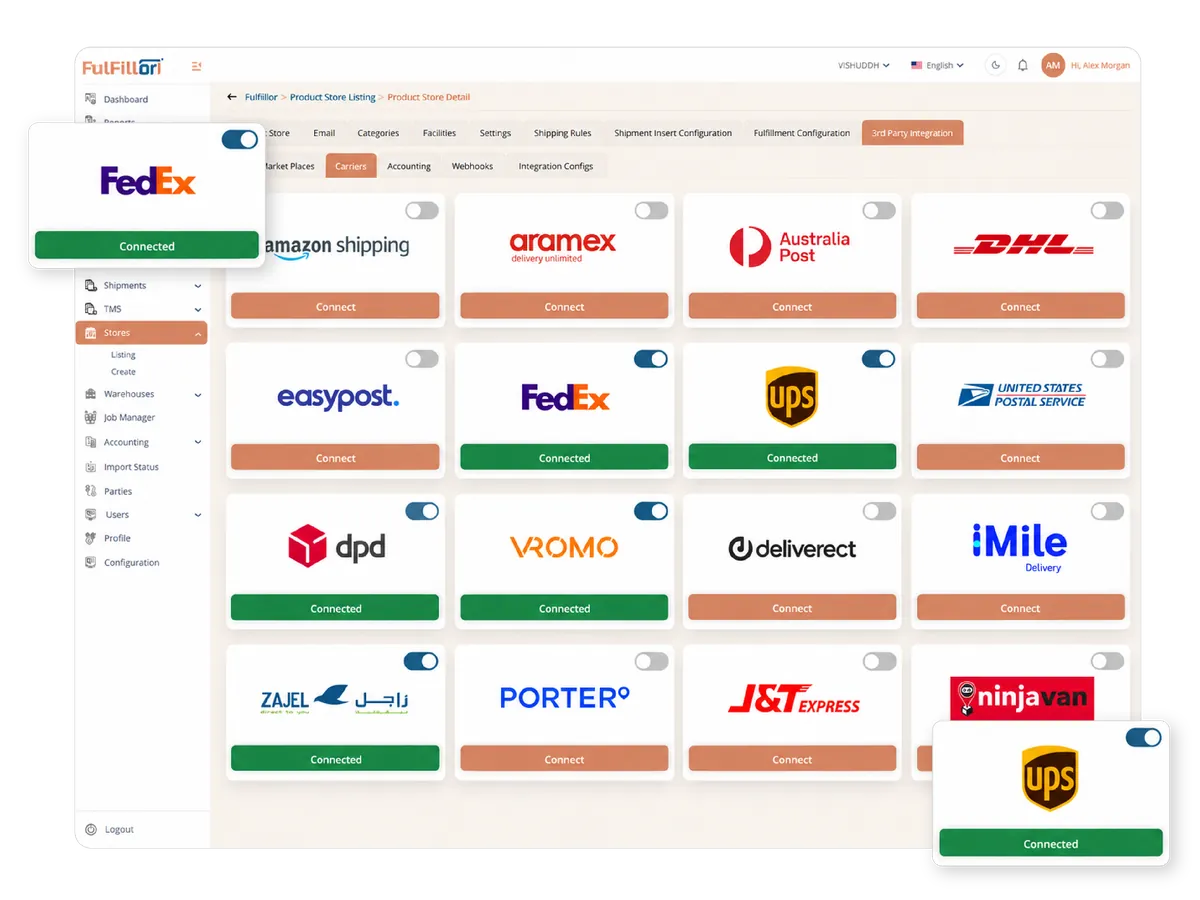
Multi-Carrier Shipping Integrations
Manage connected carrier accounts, service options, labels, and tracking within Fulfillor. Configure shipping preferences for different clients while keeping shipment details linked to warehouse orders. Explore our carrier integrations to review available connections.
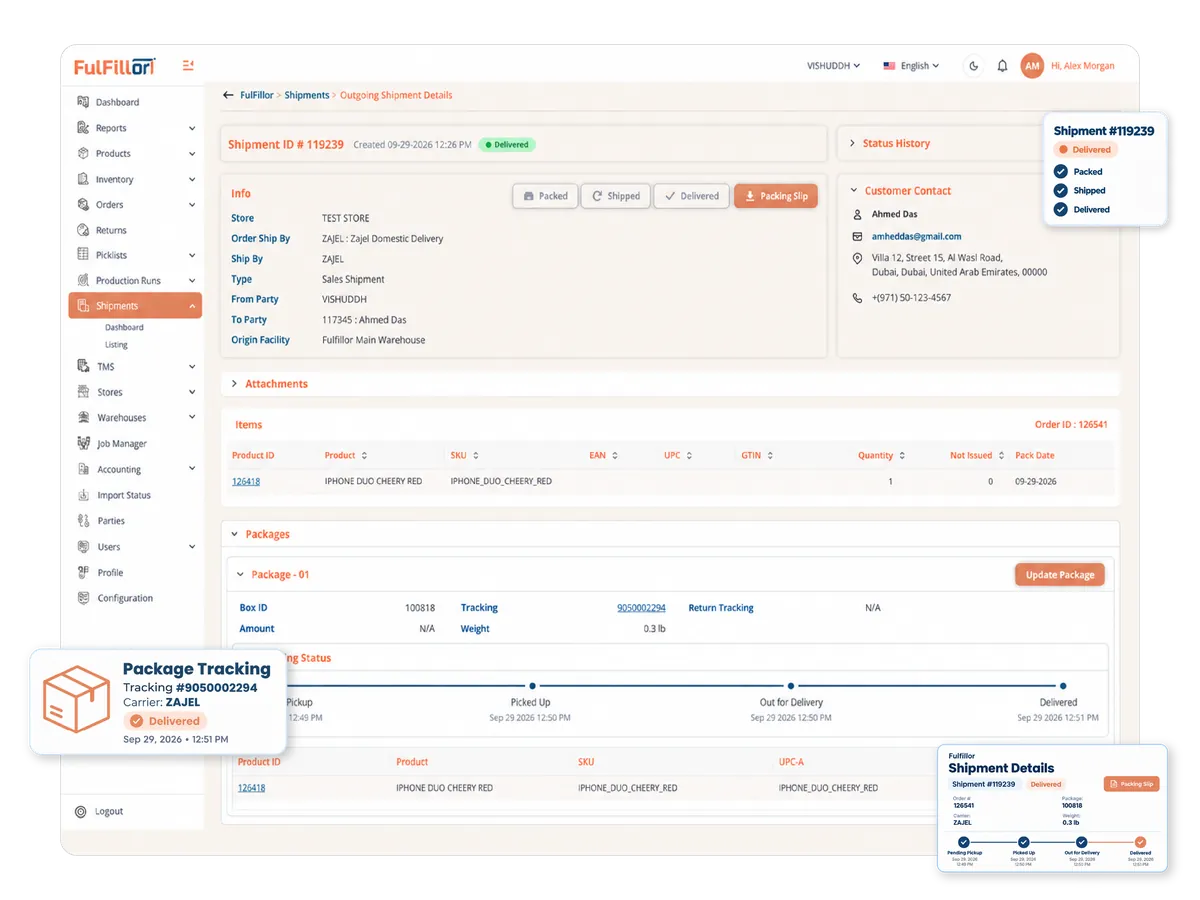
Shipment Tracking and Delivery Visibility
View tracking numbers, shipment statuses, and delivery events against the relevant orders. Updates from connected carriers help teams review delivery progress and investigate exceptions without checking each carrier portal separately.
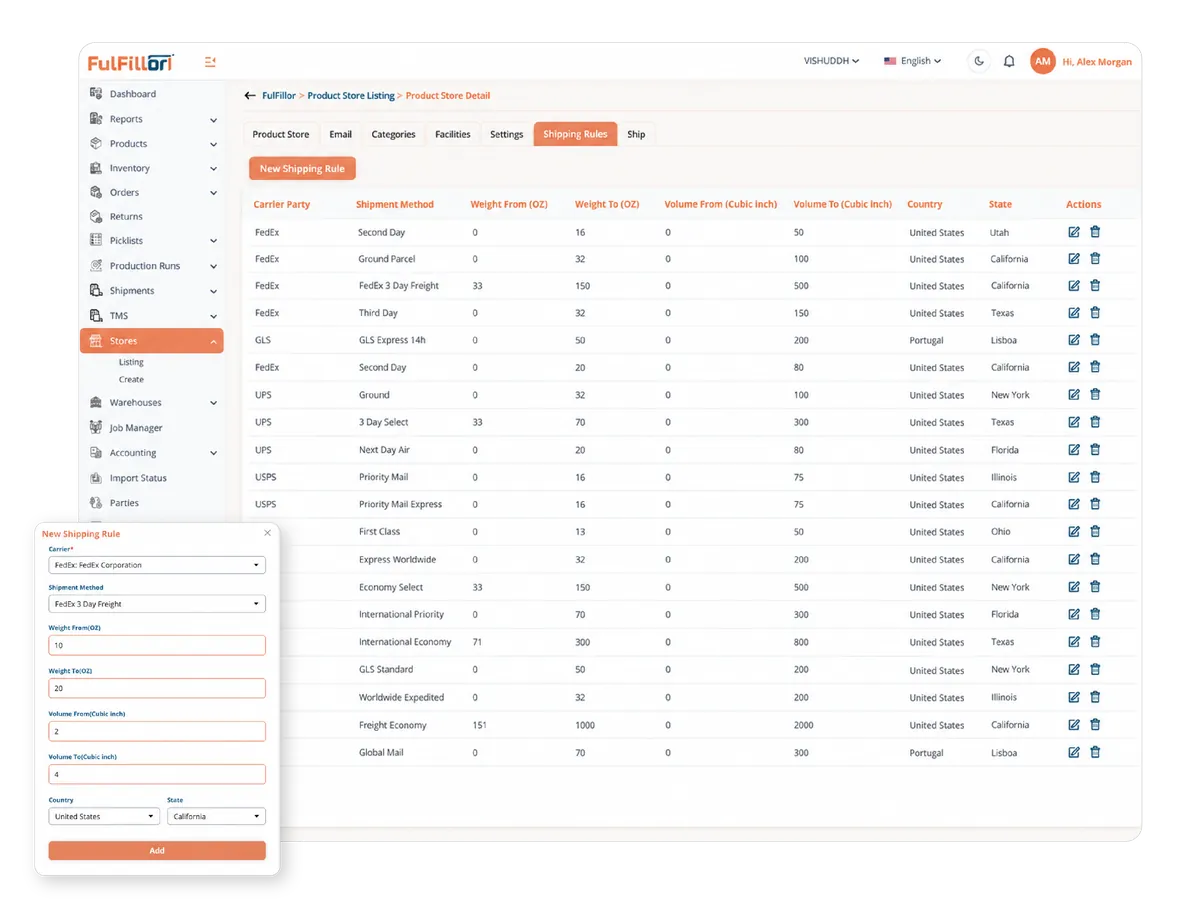
Shipping Rules for Carrier Selection
Configure carrier and service selection rules around shipment details and client requirements. Apply consistent criteria across orders to reduce repeated manual decisions during dispatch.
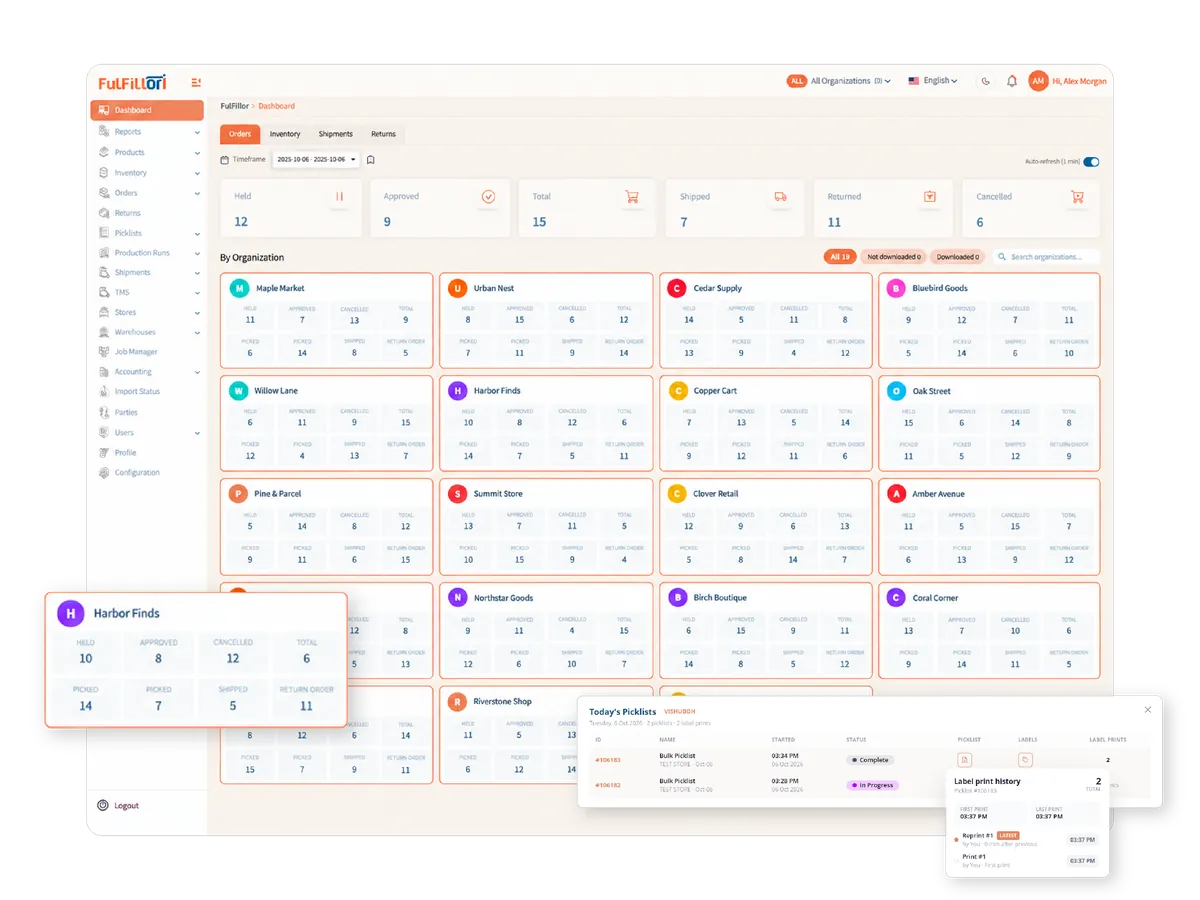
Automated Shipping Label Generation
Generate shipping labels using order and package details already captured in Fulfillor. Keep labels and tracking numbers linked to the relevant shipment, reducing repeated data entry during dispatch.
Shipping Management for 3PL Operations
Different clients may require different carrier accounts, approved services, and shipping preferences. Fulfillor keeps these requirements associated with the relevant client and order, helping warehouse teams process shipments through a shared workflow while applying each client's configured rules.
Review Your Shipping Workflow With Fulfillor
Book a demo to discuss your carrier connections, client shipping rules, label generation, and tracking requirements.
Shipping Management FAQs
Shipping management software is used to manage carrier selection, rate comparison, label generation, and shipment tracking from a single system. It helps centralize shipping workflows, especially for businesses handling multiple carriers or high order volumes.
A warehouse typically needs multi-carrier shipping software when orders are processed across different carriers, regions, or service levels. As order volume increases, managing carrier selection, pricing, and tracking manually becomes difficult and error-prone.
Yes, shipping rules can be configured based on factors like delivery speed, cost, destination, shipment weight, or client-specific requirements. This allows different workflows to be applied automatically without manual intervention.
Fulfillor receives shipment status updates through connected carrier integrations and associates them with the relevant orders. Available tracking events and update timing depend on the carrier and integration.