3PL Client Portal Software for Real-Time Visibility
Reduce support tickets by giving clients real-time access to inventory, orders, shipments, reports, and fulfillment updates through a secure 3PL client portal.
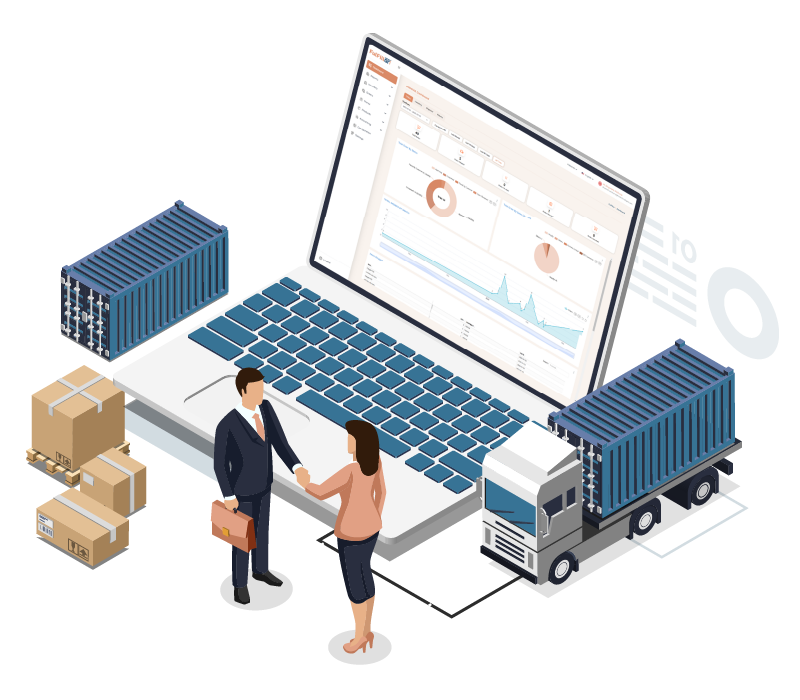 Real-time client visibilityFewer support emails
What Clients Can Access in a 3PL Client Portal
Inbound Shipment Visibility & ASN Tracking
Clients can track inbound shipments, expected arrivals, and ASN updates directly from the portal, reducing coordination emails and improving receiving accuracy.
Real-Time Inventory Visibility
Clients can view real-time stock levels across warehouses and sales channels, monitor inventory dashboards, and receive low-stock alerts to prevent overselling and fulfillment delays.
Order & Shipment Tracking
Clients can track orders, shipments, and delivery confirmations in one place, with clear visibility from fulfillment through final delivery.
Returns & Authorization
Clients can initiate returns, review authorizations, track inspections, and monitor refunds through the portal, improving transparency and reducing disputes.
Billing & Invoice Visibility
Clients can review invoices, storage charges, handling fees, and billing details in the portal, reducing billing questions and manual follow-ups.
Client Reports & Dashboards
Clients can access live dashboards, fulfillment reports, stock movement data, and performance insights without relying on manual spreadsheets.
Built to reduce client communication friction while improving operational transparency across multi-client 3PL warehouses.
Give Clients Better 3PL Visibility
Give clients self-service access to inventory, orders, shipments, billing, returns, and reports from one connected portal.
WMS-Connected 3PL Client Portal
Give each client secure, self-service access to inventory, orders, shipments, invoices, returns, and reports through a portal connected directly to warehouse operations.
Because client visibility is tied to WMS data, updates remain aligned with receiving, inventory, fulfillment, shipping, and billing activity without relying on separate spreadsheets or manual status reports.

Manage Client Data & Access
Manage client accounts, shipping addresses, SKUs, ASN records, operational preferences, users, and permissions from one system.
Each client's portal access remains connected to its warehouse account, helping teams keep inventory, orders, billing data, and reporting separated across multi-client 3PL operations.
Secure Client Access & Permissions
Control what each client and user can access based on their account and responsibilities. Operations, finance, and management users can be given access to the inventory, orders, billing information, reports, and workflows relevant to them.
In multi-client warehouses, client data stays separated so users only access information associated with their own account.

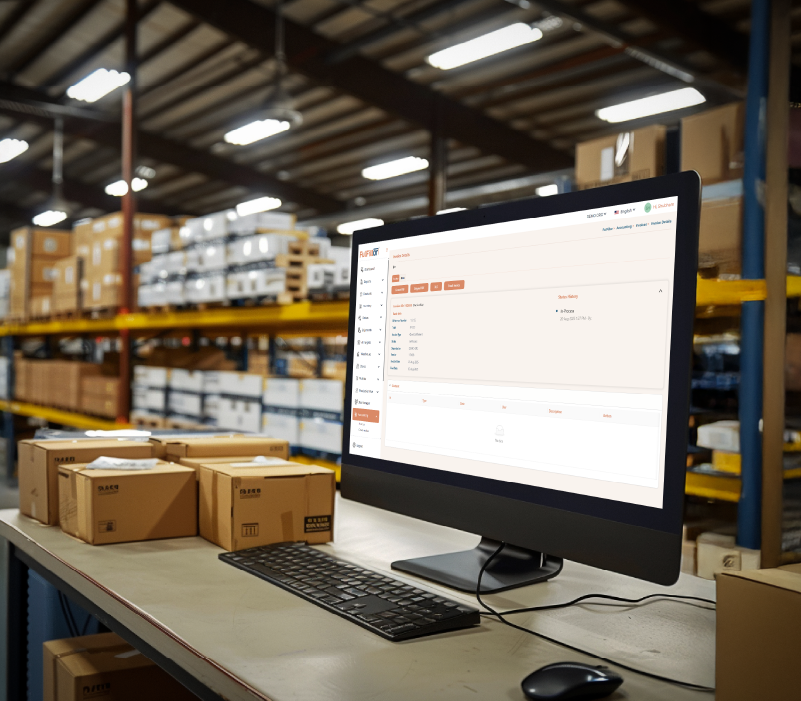
3PL Client Billing Visibility
Give clients direct access to invoices, storage charges, handling fees, and other billing details through their portal.
Billing activity stays connected to warehouse operations, making it easier for clients to review charges while reducing manual invoice requests and billing-related follow-ups, powered by Fulfillor's 3PL billing software.
3PL Client Dashboards & Reporting
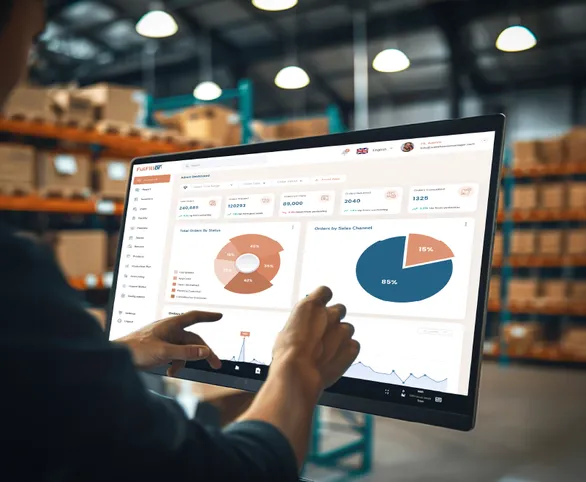
Give clients access to dashboards and reports for inventory, order volume, shipments, stock movement, billing, and fulfillment performance through Fulfillor's warehouse reporting and analytics.
Client-facing reporting keeps operational information accessible without requiring warehouse teams to prepare and send spreadsheets for routine updates.

Included across all plans
Eight capabilities, in every plan
- Order management
- Inventory management
- Warehouse management
- Shipping management
- Client portal
- Client billing
- Mobile appUser licenses required
- All standard integrations
Give Your 3PL Clients the Visibility They Expect
3PL Client Portal FAQs
A 3PL client portal is a secure online portal where warehouse clients can view inventory, orders, shipments, ASNs, returns, invoices, and reports without contacting the warehouse team for every update.
Clients should be able to access inventory availability, order status, shipment tracking, inbound shipment updates, return requests, billing details, and reports based on the permissions set by the 3PL.
Yes. A 3PL client portal can show real-time or near real-time inventory and order updates when connected to the warehouse management system.
A 3PL client portal reduces routine support requests by giving clients direct access to order status, inventory levels, shipment updates, invoices, returns, and other account information they might otherwise request by email or phone.
Yes. It helps each client access only their own inventory, orders, billing data, and reports while the warehouse manages all client operations from one system.
Yes. Client portal permissions can be configured so each client and user only accesses the inventory, orders, billing information, reports, and workflows relevant to their account and role.