
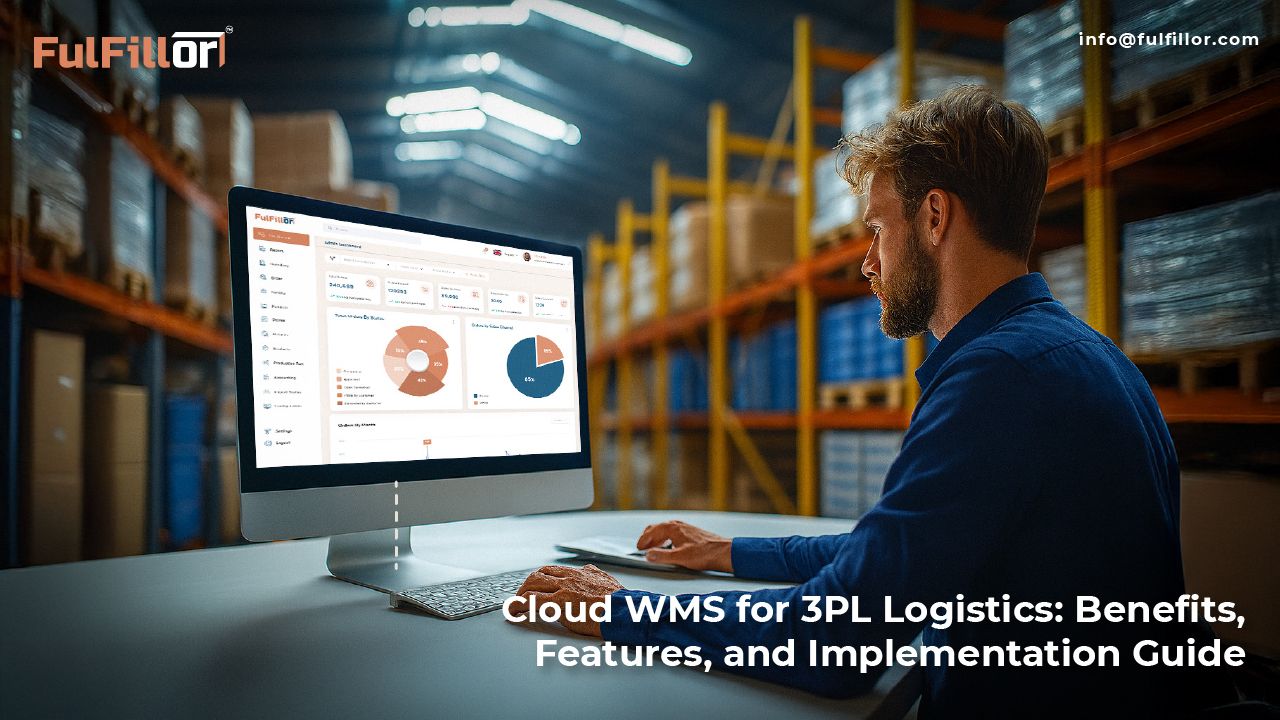
Moving a 3PL warehouse to a cloud WMS affects more than software hosting. It changes how inventory is separated by client, how warehouse workflows are configured, how integrations exchange data, how billing activities are captured, and how new clients or locations are launched.
This guide explains what 3PL operators should evaluate before choosing a cloud WMS, which operational and security questions to ask vendors, and how to plan a controlled implementation without disrupting active fulfillment.
What Is a Cloud WMS for 3PL Operations?
A cloud WMS is warehouse management software hosted by the provider and accessed through a browser, mobile device, or warehouse handheld rather than installed on servers inside the warehouse.
For a 3PL, the important distinction is not only where the software is hosted. The system must also separate inventory by client, support different fulfillment rules, control user access, connect with external platforms, generate client-specific reports, and capture billable warehouse activity.
Cloud WMS vs. On-Premise WMS for 3PL Operations
The main difference between cloud and on-premise WMS software is where the system runs and who maintains the underlying infrastructure.
| Area | Cloud WMS | On-Premise WMS |
|---|---|---|
| Initial setup | Usually requires less internal infrastructure | Often requires servers, installation, and internal configuration |
| Maintenance | Core infrastructure is primarily maintained by the provider | Managed by the business or its IT partner |
| Multi-warehouse expansion | New users and locations can often be added more quickly | Additional infrastructure or configuration may be required |
| Cost structure | Subscription fees, with possible implementation and integration costs | Higher upfront infrastructure costs and ongoing internal maintenance |
For a more detailed comparison of deployment, maintenance, costs, connectivity, and system control, review our guide to cloud WMS versus on-premise WMS.
Cloud deployment is not the right choice for every operation. Warehouses with unreliable internet connectivity, specialized local hardware, strict data-hosting requirements, or extensive legacy customizations may require a private cloud, hybrid, or on-premise approach. The decision should be based on operational requirements, internal IT capacity, security expectations, integration needs, and long-term expansion plans.
Cloud Hosting and Data Separation Models
Cloud deployment describes where the WMS infrastructure runs. Tenancy describes how the software environment and data are separated between organizations. These are related decisions, but they are not the same.
Public, Private, and Hybrid Cloud Deployment
A public cloud WMS runs on infrastructure provided by a third-party cloud provider. The WMS vendor manages the application, while the underlying computing resources are hosted in a shared cloud environment. This model can reduce the need for a 3PL to purchase and maintain its own servers.
A private cloud environment is dedicated to one organization. It may provide greater control over infrastructure, configuration, security policies, and data location, but it generally involves higher costs and more technical management.
A hybrid deployment connects a cloud WMS with systems or infrastructure that remain on-premise. A 3PL may use this model when it still depends on legacy ERP software, local databases, warehouse equipment, or applications that cannot be migrated immediately.
Single-Tenant and Multi-Tenant WMS Architecture
Tenancy describes whether each subscribing organization receives a dedicated software environment or shares the same core application with other subscribers.
In a multi-tenant WMS, multiple organizations use the same core platform while their accounts, configurations, permissions, and data remain logically separated. This allows the provider to maintain and update the platform centrally.
In a single-tenant WMS, one organization uses a dedicated application environment. This may provide greater control over configuration and update timing, but it can also increase costs and maintenance requirements.
For a 3PL, SaaS tenancy and client-level data separation should be evaluated separately. The WMS must not only separate one subscribing 3PL from another. It must also separate the inventory, users, workflows, billing rules, reports, and documents of the clients managed inside each 3PL account.
Cloud WMS Capabilities a 3PL Should Evaluate
A cloud WMS should support the operational complexity of managing inventory, orders, warehouse workflows, billing, and reporting for multiple clients. During vendor evaluation, 3PL operators should test how the system handles real warehouse scenarios rather than relying only on feature lists.
Multi-Client Inventory Control
The WMS should separate inventory by client, warehouse, location, SKU, lot, serial number, and inventory status.
It should also prevent employees from receiving, moving, picking, or adjusting inventory under the wrong client account. Complete movement histories and real-time inventory tracking can help teams investigate discrepancies without relying on separate spreadsheets or manual records.
During a demonstration, test how the system handles identical SKU codes used by different clients, damaged inventory, quarantined stock, transfers, cycle counts, and returns.
Client-Specific Warehouse Workflows
Different clients may require different receiving rules, picking methods, packaging instructions, shipping services, approval steps, and return processes.
The WMS should allow these workflows to be configured by client without forcing warehouse staff to remember instructions outside the system. Barcode validation, replenishment rules, kitting workflows, and warehouse automation should support consistent execution while still allowing client-specific requirements.
Test both standard orders and exceptions, including short picks, partial shipments, cancelled orders, damaged stock, and carrier label failures.
Integrations and Error Management
A cloud WMS should connect with the ecommerce platforms, marketplaces, ERP systems, accounting software, carriers, and warehouse equipment used by the 3PL and its clients.
When reviewing ecommerce, ERP, and carrier integrations, evaluate more than the number of available connectors. Ask how failed transactions are identified, whether alerts are generated, how errors are retried, and whether the warehouse team can trace the status of an order or inventory update across connected systems.
3PL Billing and Activity Capture
The WMS should record billable warehouse activities as they occur. These may include receiving, storage, picking, packing, kitting, labeling, returns processing, pallet handling, and special services.
Confirm whether the system supports client-specific rate cards, minimum charges, recurring fees, and billing reports. Each charge should be traceable to the warehouse activity that created it.
Client Portals and Reporting
A 3PL client portal can give clients controlled access to their inventory, orders, shipments, returns, and reports.
Permissions should ensure that each client can access only its own data. The portal should reduce routine inventory, order, and shipment status requests.
Multi-Warehouse Visibility
Evaluate whether managers can view performance by warehouse and client, control user access by location, and transfer inventory without creating disconnected records or manual reconciliation work.
How to Implement a Cloud WMS Without Disrupting Fulfillment
A cloud WMS implementation affects active inventory, warehouse staff, client accounts, integrations, and shipping operations. Treating it as a simple software installation can lead to inaccurate data, broken workflows, and delays during the transition.
- Document current workflows and exceptions
Map how receiving, putaway, picking, packing, shipping, returns, transfers, and inventory adjustments currently work. Include exceptions such as damaged stock, short shipments, client-specific packing rules, and orders that require manual approval.
- Define operational and client requirements
Identify the inventory controls, reports, user permissions, integrations, billing rules, and service requirements the system must support. Separate essential requirements from optional improvements so the selection process does not become a feature-counting exercise.
- Prepare and clean warehouse data
Review SKU records, inventory quantities, storage locations, client information, user accounts, carrier settings, and order data before migration. Duplicate SKUs, incorrect units of measure, and outdated location records should be corrected before they enter the new system.
- Configure and test warehouse workflows
Configure client rules, barcode processes, picking methods, packing requirements, permissions, alerts, and inventory controls. Test complete workflows from receiving through shipping, including returns and common exception cases.
- Validate integrations and inventory balances
Confirm that ecommerce platforms, ERP systems, accounting tools, and shipping carriers exchange data correctly. Inventory should also be reconciled before and after migration so the opening balance in the new WMS matches the physical stock in the warehouse.
- Begin with a controlled rollout
Start with one warehouse, client, workflow, or order channel where possible. A limited pilot gives the implementation team time to correct configuration issues before the system is expanded across the full operation.
- Train teams using real warehouse scenarios
Training should reflect the tasks staff perform during a normal shift, not only the software menu. Pickers, packers, receivers, supervisors, customer service teams, and managers may each require different instructions and system access.
- Monitor performance after launch
Track inventory discrepancies, order accuracy, processing time, failed integrations, support requests, and workflow exceptions after go-live. Early performance data helps distinguish temporary adoption issues from problems that require changes to the system configuration.
When Should a 3PL Consider Moving to a Cloud WMS?
A move to cloud WMS software is worth evaluating when existing tools begin creating more work than they remove. Common signs include frequent inventory reconciliation, repeated manual order entry, delayed client reports, difficulty separating client stock, and limited visibility across warehouses.
Growth often makes these weaknesses more noticeable. A process that works for one warehouse and a few clients may become unreliable when order volume rises, additional sales channels are connected, or client-specific requirements become more complex.
The decision should be based on operational complexity rather than company size alone. Before selecting a platform, document the problems the warehouse needs to solve and evaluate vendors against those requirements.
Evaluating cloud WMS software for your 3PL? Review Fulfillor’s multi-client inventory, integration, billing, and implementation capabilities.