
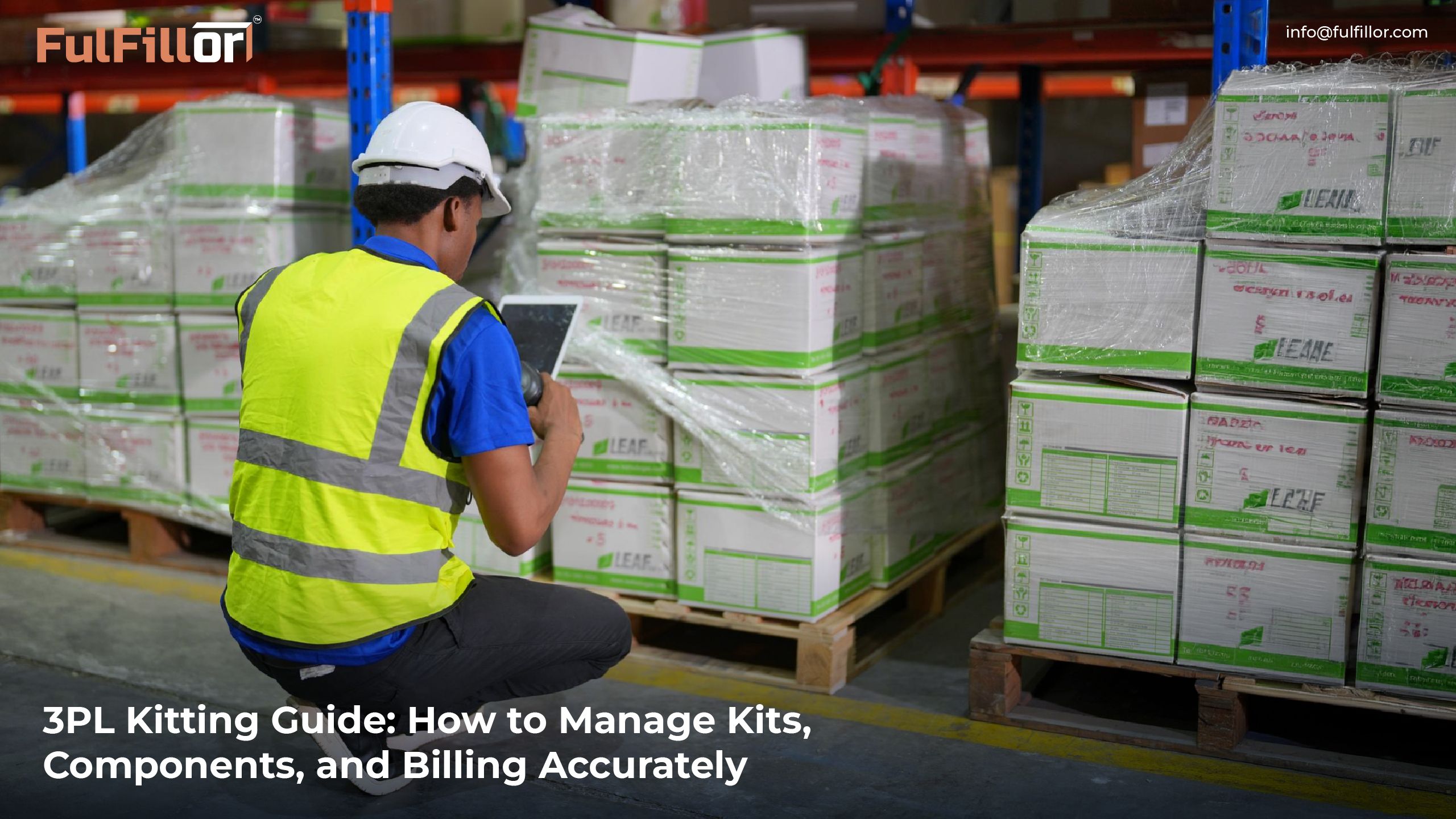
One client wants pre-assembled gift packs stored as finished inventory. Another wants bundles assembled only after an order is received. A third sends custom inserts, branded cartons, and last-minute SKU changes two days before a campaign goes live.
Meanwhile, the warehouse still has to protect inventory accuracy, keep orders moving, track labor, report activity to clients, and explain kit availability without jumping between spreadsheets.
For 3PL warehouses, kitting needs more than a packing table and a printed instruction sheet. It needs a clear workflow where kit setup, component inventory, picking, assembly, shipping status, reporting, and billing stay connected.
This guide explains how 3PLs can manage kitting more accurately, avoid common workflow mistakes, and keep kits, components, labor, and billing connected as order volume grows.
What Is Warehouse Kitting?
Warehouse kitting means taking separate SKUs and preparing them so they can move through fulfillment as one unit. That unit might be a subscription box, a promotional pack, a starter kit, a retail display set, or a bundle sold by an ecommerce brand.
In a 3PL warehouse, the work is not only physical. The team also has to know which components belong in the kit, how many finished kits can actually be built, where the items are stored, whether the kit should be built in advance or on demand, and how the labor should be tracked for the client.
Why Kitting Gets Complicated in a 3PL Warehouse
Kitting can be overly complicated when a warehouse handles multiple clients simultaneously. Each client may have unique SKUs, packing instructions, bundle guidelines, labelling requirements, billing conditions, and reporting requirements.
The main challenge is that kitting connects several warehouse activities at once. It affects component stock, kit availability, picking tasks, packaging instructions, labor tracking, storage locations, and client communication. If one part of that workflow is disconnected, the warehouse can quickly lose visibility.
A warehouse may have three required components in stock but be short on the fourth. In that case, the kit cannot be completed. If the system still shows the kit as available, the warehouse may accept orders it cannot fulfill. That leads to late deliveries, canceled orders, frustrated clients, and extra pressure on the warehouse team.
For this reason, 3PLs need inventory visibility, clear kit requirements, reliable task tracking, and a system that keeps warehouse activity aligned with inventory data.
Kitting vs Bundling vs Assembly
Kitting, bundling, and assembly often overlap, but they play different roles in fulfillment.
A bundle is usually the offer a customer sees online, such as multiple products sold together as one deal. Kitting is the warehouse work needed to prepare that product set for storage, packing, or shipment. Assembly goes further when separate parts must be put together to create or complete an item.
For a 3PL, the difference matters because each workflow affects inventory differently. A bundle may only need coordinated picking. A kit may need pre-built stock, component tracking, and packing rules. Assembly may require labor tracking, quality checks, and more detailed instructions.
The 3PL Kitting Process: How to Do It Right
A good kitting workflow starts before the first component is picked. The warehouse first needs to define what the finished kit is, which items belong inside it, and how the kit should be handled in the system.
The first step is creating a finished kit SKU. This gives the kit its own identity, separate from the individual component SKUs. The finished kit SKU helps the warehouse track availability, storage, picking, and fulfillment more clearly. Without a clear kit SKU, teams often rely on manual notes or inconsistent bundle names, which makes tracking and fulfillment harder.
Next, every component SKU should be mapped to the kit. The system or process should clearly show how many units of each component are required.
If one gift box needs one candle, one greeting card, one soap bar, and one branded box, that relationship should be documented before work begins. If teams rely on memory, the risk of picking the wrong component or quantity increases.
After that, the warehouse should check component inventory before promising kit availability. A kit is only available if every required component is available. If the warehouse has 100 candles but only 40 branded boxes, it can only build 40 complete kits. For each component, divide its available quantity by the quantity required per kit and round down to a whole number. The smallest result determines how many complete kits can be built. Use stock available for this client and task, excluding held inventory and quantities already committed elsewhere.
Once inventory is confirmed, the warehouse needs to decide whether to pre-kit or kit on demand. Pre-kitting works well when the same kit sells frequently, volume is predictable, or a client is preparing for a campaign. On-demand kitting works better when kits change often, storage space is limited, or components are shared across multiple orders and bundles.
The next step is creating clear picking and assembly tasks. Warehouse staff should know what to pick, where to find it, how many units to collect, and where the items should go for assembly. Barcode scanning can help confirm that the right items are picked and reduce the chance of component errors.
After the kit is assembled, inventory should be updated immediately.
Component stock should decrease, and finished kit stock should increase if the kit is stored as a completed unit. If this update happens later, the warehouse may show inaccurate stock, which can lead to overselling and fulfillment delays.
Finally, kitting labor should be tracked because it often affects 3PL billing and value-added service charges. For 3PLs, kitting is often a value-added service. If the work is not recorded, it may not be billed correctly. A proper kitting process should show what was assembled, when it was completed, how much labor was involved, and which client the work belonged to.
Pre-Kitting vs On-Demand Kitting
Pre-kitting means building kits before customer orders arrive. It works well when demand is predictable, order volume is high, or a client is preparing for a campaign, product launch, or subscription box cycle. Since the finished kit is already built, warehouse teams can pick one unit instead of picking every component separately.
On-demand kitting means building the kit after an order is received. This approach works better when kits change often, storage space is limited, or the same components are used across multiple products, bundles, and sales channels.
Neither method is always better. A mature 3PL may use both depending on client rules, order volume, available space, and labor capacity.
Common Kitting Mistakes That Hurt Accuracy

One common mistake is showing a kit as available without checking component-level inventory. If one required item is missing, the warehouse cannot fulfill the kit, even if the system makes it look ready.
Another issue is updating inventory too late. When component stock is not deducted as kits are assembled, the same inventory may be sold, picked, or allocated somewhere else.
Spreadsheets also become risky as kitting volume grows. They may work for simple kits, but they can break down when a warehouse manages multiple clients, shared SKUs, frequent bundle changes, and high order volume.
Billing can get missed too.
The final mistake is treating every client’s kitting workflow the same way. Some clients need branded packaging, inserts, lot tracking, custom labels, or special packing steps. If those rules are not clear, the wrong kit can reach the customer.
Where a 3PL WMS Helps with Kitting
A 3PL WMS helps keep kitting connected to the rest of the warehouse operation. Instead of tracking kits in one place, component stock in another, labor somewhere else, and billing in a separate file, the WMS gives the warehouse one workflow to manage the process.
For kitting, the WMS should support kit SKUs, component mapping, inventory checks, picking tasks, barcode confirmation, assembly updates, finished kit tracking, client reporting, and billing records.
The WMS becomes even more important when a 3PL manages many clients. Each client may have different kit rules, packaging steps, billing terms, and reporting needs. A 3PL WMS keeps those workflows organized so one client’s requirements do not get mixed with another client’s operation.
How Fulfillor Supports Kitting Workflows
Fulfillor helps 3PL warehouses manage kitting as part of the same WMS workflow that controls inventory, orders, picking, reporting, and client operations. That matters because kitting should not sit outside the system in spreadsheets, manual notes, or disconnected task lists.
With the right WMS setup, 3PL teams can keep inventory movement, picking activity, fulfillment workflows, client-specific rules, reporting, and billing support more organized. This is useful for warehouses managing ecommerce bundles, subscription boxes, promotional kits, custom packaging, and other value-added services.
For 3PLs, the value is not only in building kits. It is in keeping the full kitting workflow visible, repeatable, and connected across clients, SKUs, orders, and warehouse tasks.
When Should a 3PL Improve Its Kitting Process?
A 3PL should improve its kitting process when manual work starts affecting speed, accuracy, visibility, or billing. The warning signs are usually easy to see.
Orders get delayed because kits are incomplete. Staff spend too much time manually checking component stock. Clients ask for kit availability updates that take too long to calculate. Finished kit counts do not match component inventory. Kitting work gets completed but is not measured or billed correctly.
These issues affect client trust, warehouse productivity, and profit margins.
Kitting works best when it is part of the warehouse system, not a side task managed through spreadsheets, printouts, or staff memory.
Final Thoughts
Kitting can help 3PL warehouses deliver more value to their clients. It supports ecommerce bundles, subscription boxes, promotional campaigns, retail packs, sample kits, and custom fulfillment programs. But as kitting volume grows, the workflow needs stronger control.
For 3PLs, the goal is not simply to build kits. The goal is to manage kitting in a way that protects inventory accuracy, keeps orders moving, improves client visibility, and makes value-added services profitable.