
A picker needs 12 units, but the bin contains only four. Another 200 units are available in reserve storage, so someone has to arrange a transfer before the order can continue. Repeated across a shift, these interruptions leave pickers waiting and pull other workers away from scheduled tasks.
Warehouse replenishment keeps picking locations supplied from reserve inventory. In a third-party logistics (3PL) operation, the transfer must also follow the correct client’s stock and handling rules.
What Is Warehouse Replenishment?
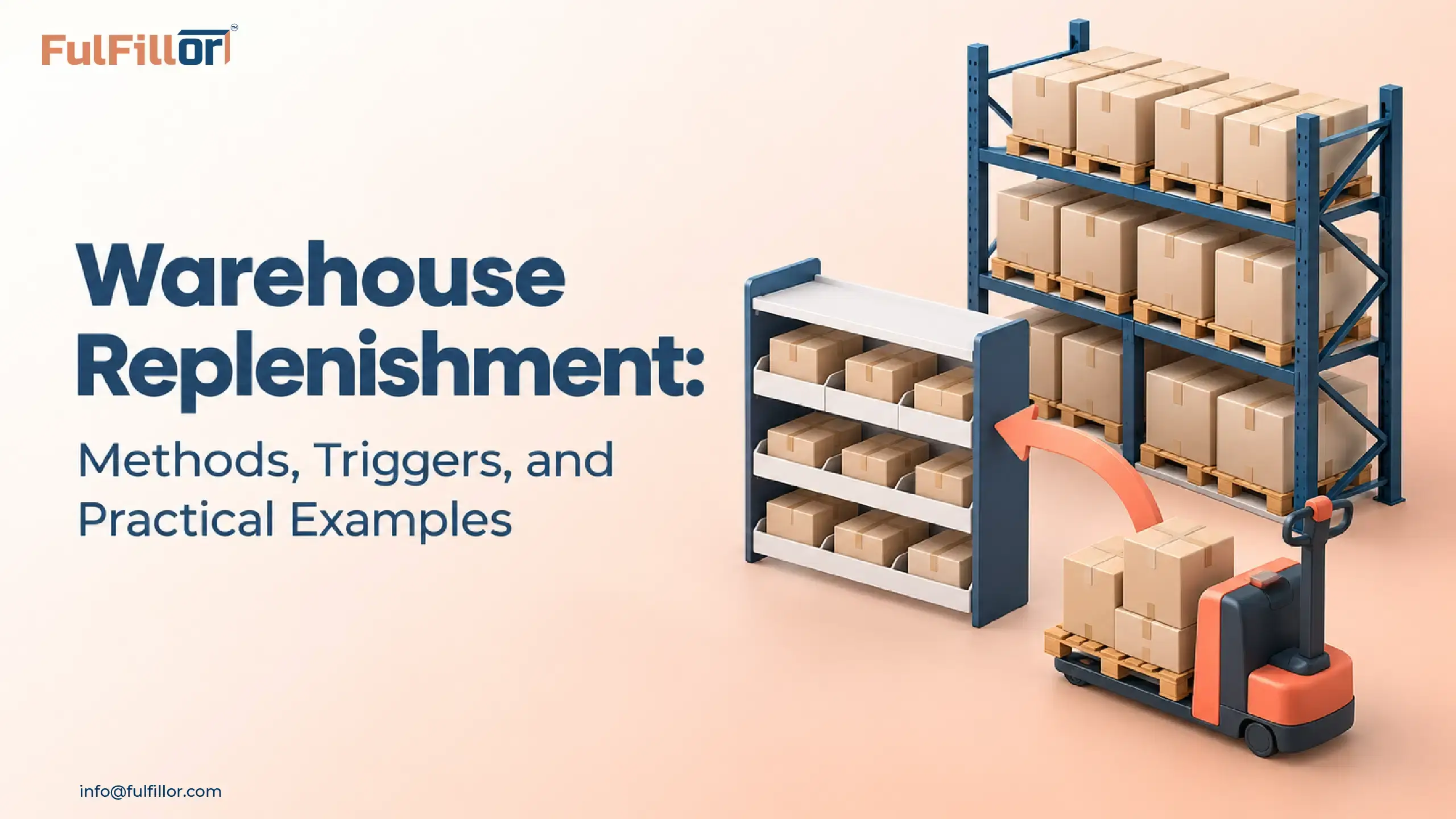
Warehouse replenishment is the process of moving inventory from reserve storage into picking locations so workers have stock available when fulfilling orders. These active locations are often called pick faces: the shelves, bins, or other positions from which products are picked.
The term can also refer to purchasing replacement inventory from suppliers. This guide covers internal warehouse replenishment, where the goods are already inside the facility.
Supplier lead times and purchasing quantities belong to broader inventory management techniques. Internal replenishment depends on picking demand, reserve availability, location capacity, and the time needed to complete a stock movement.
It also serves a different purpose from warehouse slotting optimization. Slotting determines where a SKU belongs. Replenishment keeps that location supplied as orders consume its stock.
How the Warehouse Replenishment Process Works
A refill might be triggered when inventory reaches the minimum, when upcoming orders require more stock than the picking location holds, or when a scheduled check shows locations below target. Before the move is created, the team or WMS examines the backup stock, if any, to ensure that it is appropriate. The source must be a match for the required product, client owner, stock status, and lot/expiry rules, if any.
Stock on quality hold must remain unavailable for replenishment until it is released. The replenishment task specifies the source, destination, quantity, and unit of measure. The worker moves the stock and confirms the transfer, usually by scanning both the source and destination locations.
The confirmed movement can then be compared to what actually moved. If a worker moves three cases from a four-case move, the record should indicate three completed cases, with the remaining case recorded as unfinished replenishment work. Confirming the full quantity would make both locations inaccurate. Stock in transit requires an unambiguous status; until the move is completed, the same units should not be used to start another transfer or to appear in the picking bin. Once the movement is confirmed, the affected picking work can proceed using the updated available quantity.
Warehouse Replenishment Methods and When to Use Them
A warehouse may use several replenishment methods during the same day. Selected bins might be filled before a shift, checked against minimum levels during picking, and replenished again for an unusually large order.
| Method | What triggers it | Where it fits |
|---|---|---|
| Min/max replenishment | Stock reaches a configured minimum | SKUs with repeat, reasonably predictable demand |
| Order- or wave-driven replenishment | Upcoming picking demand exceeds usable picking stock | Large order groups, promotions, and uneven demand |
| Scheduled top-off | A planned check finds stock below the refill target | Preparing selected locations before busy periods |
| Urgent replenishment | A shortage blocks or threatens picking | Recovering from an unexpected exception |
Warehouse replenishment strategies can also be described as push, pull, or hybrid. Scheduled and wave-driven replenishment push stock forward based on planned demand, while min/max rules pull stock into the pick face when inventory reaches a defined threshold.
Many warehouses use a hybrid replenishment strategy. They prepare fast-moving locations before a shift or wave and rely on threshold-based tasks to respond to consumption during picking.
Min/Max Replenishment
Picking locations have a minimum trigger and a maximum refill target. When the evaluated stock reaches the minimum, the system creates work to refill the location toward its target.
Some rules evaluate physical stock, while others use the quantity available after allocations or another configured inventory balance.
A rule assessed once a morning will react differently to a midday spike than one assessed multiple times a shift.
Order- or Wave-Driven Replenishment
This method uses upcoming orders to identify picking-location shortages.
If a picking wave requires more units than the relevant locations can supply, replenishment provides the missing quantity, subject to reserve availability and destination capacity.
Demand-based replenishment can supplement min/max rules between scheduled checks. Microsoft’s replenishment documentation describes this approach, including how existing replenishment work can contribute to the required quantity.
Scheduled Top-Off
The restocking of specific fast-moving bins can occur in the warehouse before first shift or during picking breaks. It sets the timing to visit locations. The refill goal identifies the quantity to move. A bin already at its goal has nothing to move.
Scheduled top-off can be very effective if the locations are safe to assume will use that stock during the next working day. Using it across all SKUs will add handling but not reduce picking delay.
Urgent Replenishment
When an order requires immediate replenishment, record the reason for the shortage. This helps the warehouse distinguish an unusual demand event from a recurring trigger, capacity, or task-completion problem.
How to Set Replenishment Triggers and Quantities
The trigger should leave enough stock to cover the time before the refill arrives. The refill quantity should account for usable capacity and work already underway.
Estimate Consumption During the Refill Time
For a continuously monitored location, a starting estimate is:
Trigger quantity = expected consumption during internal replenishment time + operating buffer
Internal replenishment time includes the wait for assignment, travel, collection, and destination confirmation.
A SKU is picked at 40 units per hour, and replenishment takes 30 minutes from task creation to completion. About 20 units will be consumed during that time. With an additional 12-unit buffer, the initial trigger is 32 units: (40 × 0.5) + 12.
A sudden order spike or a longer task queue could consume more than the allowance.
If locations are checked periodically, include consumption during the wait until the next check as well as the refill time. Measuring only the worker’s travel time would miss both delays.
Account for Stock Already on the Way
A simple top-up calculation is:
Additional refill = target quantity − current physical quantity − confirmed incoming replenishment
For example:
| Input | Quantity |
|---|---|
| Picking-bin target | 120 units |
| Current physical stock | 24 units |
| Confirmed replenishment already on the way | 24 units |
| Case size | 12 units |
| Additional refill needed | 72 units, or 6 cases |
The calculation is 120 − 24 − 24 = 72 units.
This hypothetical example assumes no further picking before the moves finish, enough eligible reserve stock, and sufficient destination capacity. In an active operation, projected consumption and allocation rules also affect the calculation.
Incoming stock should count only when the task remains valid and is expected to arrive in time. Ignoring the existing 24-unit transfer would create another task for 96 units. Once both transfers arrived, the location could exceed its target.
Check Case Quantities Against Capacity
Suppose a picking bin has room for 18 more units, while reserve stock is handled in cases of 12. Two cases would exceed its capacity. The worker could move one case, split a case if permitted, or use another approved destination.
The task quantity should reflect the handling rules and the space actually available. If the same SKU repeatedly needs refilling between practical replenishment windows, review its pick-face capacity before adding more transfers.
Client Ownership and Stock Eligibility During Replenishment
Two clients can store the same product in one building while retaining separate inventory ownership. A refill must preserve that ownership from the reserve location through destination confirmation.
Lot and expiration requirements can narrow the choice further. A client may require a particular batch or minimum remaining shelf life. Inventory on hold, damaged stock, and other restricted quantities must remain outside the eligible supply unless the appropriate release process has been completed.
Units of measure need the same care. A case may contain 12 units for one SKU and 24 for another. The task should show the quantity being handled clearly, using the correct pack size for that client’s product.
During 3PL client onboarding, agree on how the client will communicate launches and expected order spikes. That information gives the warehouse time to review refill settings before the extra orders arrive.
Why Replenishment Tasks Fail or Arrive Too Late

An empty picking bin doesn’t always mean its trigger was wrong. The task may have started on time and stalled before completion.
| Problem | What to check | Practical response |
|---|---|---|
| Reserve stock cannot be found | Source location and recent movement records | Investigate the mismatch before confirming or adjusting stock |
| Source stock is restricted | Stock status, client ownership, and lot eligibility | Find another eligible source or escalate the shortage |
| Destination is full | Physical quantity, open transfers, and capacity | Recalculate the move or use an approved alternative |
| Only part of the task is completed | Actual quantity transferred and remaining work | Record the partial move and resolve the outstanding balance |
| Picking starts before the refill arrives | Task queue, priority, and release timing | Coordinate affected picking work with refill completion |
| The same SKU repeatedly needs urgent moves | Demand, thresholds, completion time, and slot capacity | Adjust the cause identified in the review |
Unexplained quantity differences warrant investigation. Repeatedly changing the balance without tracing the cause allows inventory discrepancies to affect the next transfer.
Canceled or delayed tasks also need attention. A refill calculation that continues counting their full quantities as incoming stock may suppress a replacement task while the bin runs empty.
Warehouse Replenishment KPIs
Warehouse replenishment KPIs should show whether stock reaches picking locations before shortages interrupt order fulfillment. Choose indicators that show that stock gets to the picking locations when needed. Use a consistent, defined reporting period and calculation for such indicators so that a meaningful comparison over time is possible.
- Replenishment completion time: From task creation to destination confirmation. Look at slower tasks and compare with "normal" completion times. An average may mask a "permanent" queue in one zone.
- Urgent replenishment ratio: Divide urgent replenishment tasks by total replenishment tasks over the same period. An increase can be sub-divided into SKU, client, or location to identify the origin of the problem.
- Pick-face stockout rate: Measure how often a picking location runs out while eligible reserve inventory remains available elsewhere in the warehouse. This separates internal replenishment failures from facility-wide inventory shortages.
- Replenishment causing picking delays: Record blocked minutes or affected order lines with a specific reason code. Treat an empty pick face and a shortage across the whole site differently.
- Replenishment moves per SKU: Count completed replenishment tasks for each SKU over the reporting period. Compare that count with units picked during the same period to identify products requiring unusually frequent transfers.
A slow-moving small item and a bulky product won't require the same refill rate. Use relevant operational context to compare results rather than compare all SKUs against a single refill frequency.
How a WMS Supports Warehouse Replenishment
A WMS can use pick-face inventory, open allocations, incoming transfers, reserve availability, location capacity, and configured thresholds to determine whether replenishment work is needed.
Depending on the system and its configuration, warehouse replenishment software may create tasks from min/max rules, upcoming waves, scheduled checks, or urgent picking shortages. It should also prevent duplicate transfers, preserve client and lot eligibility, and record partial task completion accurately.
Test the workflow using an existing open transfer and a second request for the same picking location. Check whether the system accounts for the incoming quantity, prevents overfilling, and records a partial completion correctly.
Fulfillor’s inventory management provides visibility into stock and movements across warehouse operations. Walking through your actual replenishment process helps establish which steps are supported directly and where configuration or operating procedures are needed.
Start With the Locations That Keep Running Empty
Review the last few shortages at a picking location. Compare the stock level when each refill was triggered with the time it took to arrive. Check whether the destination had enough capacity and whether an unfinished transfer affected the calculation.
Use those findings to change the relevant setting or procedure. Then compare picking delays and transfer counts over a similar working period.