
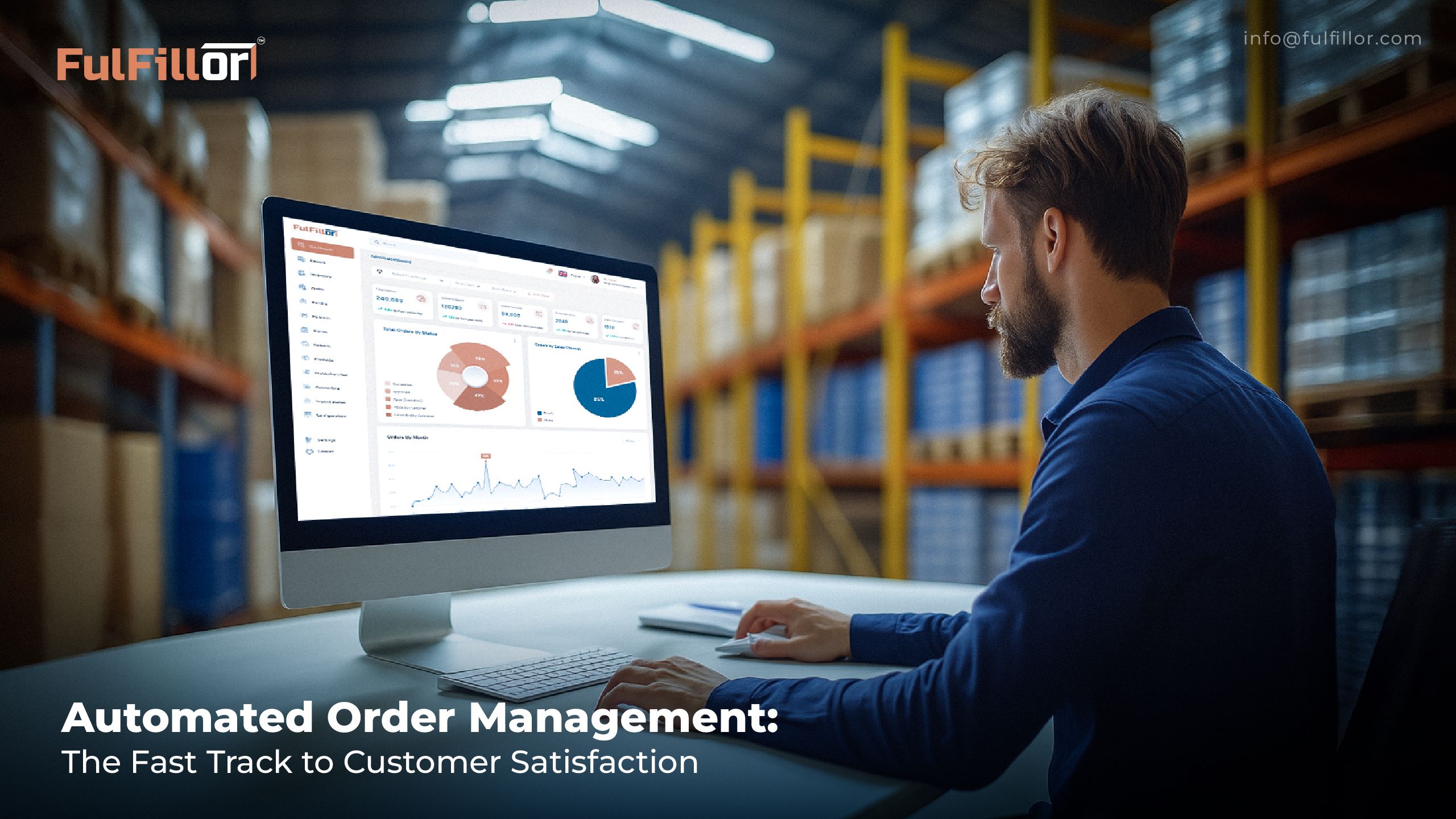
Order management automation improves customer experience by reducing manual processing, keeping inventory and order status synchronized, accelerating fulfillment, and providing more reliable shipment updates. For 3PLs, it also helps maintain consistent service across multiple clients, sales channels, warehouses, and carrier workflows.
It connects sales channels, inventory, warehouse tasks, shipping updates, and returns so teams can process orders faster with fewer errors.
This guide explains how order management automation works across order intake, inventory allocation, warehouse execution, shipping, tracking, exceptions, and returns, with a particular focus on multi-client 3PL operations.
What Is Order Management Automation?
Order automation means using software to manage key parts of the order lifecycle, from order capture to delivery updates. Instead of manually copying order details, checking stock, assigning warehouse tasks, or updating tracking information, the system handles these steps through connected workflows.
For 3PLs, this is especially important because orders often come from multiple clients and channels such as Shopify, Amazon, WooCommerce, Etsy, retail portals, and marketplaces.
How Does Order Management Automation Work?
Order management automation connects the systems and decisions involved in moving an order from purchase to fulfillment. Instead of requiring teams to manually transfer information between ecommerce platforms, inventory records, warehouse systems, and carriers, connected workflows move the order through defined stages automatically.
A typical automated order workflow includes:
| Stage | What Happens |
|---|---|
| Order capture | Orders enter from ecommerce stores, marketplaces, APIs, or client systems. |
| Validation | Order details, inventory availability, addresses, and fulfillment conditions are checked. |
| Inventory allocation | Available stock is reserved against the order so it is not promised elsewhere. |
| Fulfillment routing | The order is assigned to the appropriate warehouse, location, or fulfillment workflow. |
| Warehouse execution | Picking, packing, verification, and other warehouse tasks are created. |
| Shipping | Carrier rules, shipping services, labels, and shipment information are applied. |
| Tracking sync | Tracking numbers and order status are synchronized back to the connected sales channel. |
| Exception handling | Orders that fail defined rules are held or routed for manual review instead of progressing incorrectly. |
Order Automation vs Warehouse Automation
Order automation coordinates information and decisions such as order capture, allocation, routing, and status updates. Warehouse automation supports physical execution through tools such as scan-guided workflows, conveyors, sortation, and robotics.
Not every order automation workflow requires a WMS. For warehouse and 3PL operations, connecting order management with a WMS helps keep order decisions aligned with physical inventory and fulfillment activity.
How Does Order Management Automation Improve Customer Satisfaction?
1. Faster Order Confirmation and Processing
Customers want to know that their order was received and is moving forward. Automated workflows help import order details through configured integrations from connected sales channels and move them into the fulfillment process without manual re-entry.
This speeds up the steps between order capture and warehouse release, including validation, inventory allocation, fulfillment routing, and the creation of picking tasks. During peak periods, flash sales, or seasonal demand spikes, this can reduce backlogs caused by manual order entry that usually happen when teams rely on manual processing.
2. Better Inventory Accuracy
Overselling is one of the quickest ways to damage customer trust. If a customer buys an item that is not actually available, the result is usually a delayed shipment, order cancellation, refund, or support escalation.
Order automation helps reduce this risk by connecting order intake with real-time inventory data. When stock levels, allocations, and order status are updated across channels, teams can make better fulfillment decisions.
This requires distinguishing physical stock from inventory that is actually available to promise. Units may still be physically present in the warehouse but already allocated to open orders. Keeping those quantities synchronized through real-time inventory tracking reduces the risk of promising the same inventory to multiple orders or sales channels.
3. Fewer Picking and Shipping Errors
When order management is connected with a warehouse management system, the order can move directly into guided warehouse execution. Barcode scanning, picking instructions, packing validation, and shipping checks help warehouse teams confirm that the products leaving the facility match the original order.
4. Clearer Tracking and Delivery Updates
One of the most common customer support questions is simple: “Where is my order?”
Order automation helps reduce those tickets by syncing shipping status, carrier tracking numbers, and delivery updates back to ecommerce platforms or customer notification systems. Customers get clearer visibility without needing to contact support for every update.
Reliable tracking synchronization can also reduce WISMO, or “Where Is My Order?”, inquiries because customers and support teams can access the same shipment information without relying on manual status checks.
5. Smoother Returns Handling
Automated returns management workflows help connect return requests with the original order, shipment record, inventory status, and the information required for refund, exchange, or replacement processing.
This makes it easier to verify what was shipped, what was returned, whether the item can be restocked, and what update the customer should receive.
6. Better Support Team Visibility
A connected order management workflow can give authorized teams visibility into inventory allocation, fulfillment status, shipment details, warehouse exceptions, tracking information, and return progress without requiring them to search through separate systems.
This is particularly useful when an order is delayed or changed. Instead of simply seeing that an order has not shipped, a support team may be able to identify whether it is waiting for inventory, warehouse action, carrier processing, or exception resolution and provide the customer with a more useful answer.
What Should Be Automated and What Still Needs Human Review?
Order automation works best when predictable, repeatable decisions are handled automatically while unusual situations are routed to people who can evaluate them.
Routine processes that can often be automated include order capture, inventory allocation, fulfillment routing, warehouse task creation, standard shipping rules, status synchronization, and tracking updates.
Some orders still require human review. Common examples include:
- Insufficient or disputed inventory
- Invalid or incomplete shipping addresses
- Unavailable carrier services
- Damaged or quarantined stock
- Client-specific fulfillment exceptions
- Integration failures
The goal of automation is therefore not to remove people from every decision. It is to reduce repetitive manual work while making exceptions easier to identify, prioritize, and resolve before they affect the customer.
What Should a 3PL Look for in Order Automation Software?
For a 3PL, evaluating order automation requires more than checking whether a platform can import orders and generate shipping labels. The system needs to support the operational differences between multiple clients, channels, warehouses, and fulfillment rules.
Can It Capture Orders From Every Client Channel?
Orders may arrive through ecommerce platforms, marketplaces, APIs, EDI connections, retail systems, or other client applications. The goal should be to bring these orders into a consistent workflow without requiring warehouse teams to re-enter information manually.
Can It Keep Client Inventory and Rules Separate?
A multi-client warehouse must know which inventory belongs to which client and which rules apply to each order. Allocation, packaging instructions, carrier preferences, shipping methods, and other fulfillment requirements may differ between accounts.
Can Orders Be Routed by Warehouse, Client, Carrier, or Service Level?
Routing should reflect the way the fulfillment network actually operates. Depending on the business, an order may need to be assigned based on inventory availability, warehouse location, client requirements, shipping service, cutoff time, or other operational rules.
Can the System Isolate Exceptions Without Stopping Normal Orders?
A single problematic order should not require the warehouse team to manually review every order. The system should identify exceptions and route them for attention while standard orders continue through the normal workflow.
Example: How an Automated 3PL Order Moves Through Fulfillment
Consider an ecommerce client whose Shopify store is connected to its 3PL fulfillment operation.
When a customer places an order, the order enters the fulfillment system automatically. The system identifies the client account, checks available inventory, and determines which facility or workflow should fulfill the order.
Once the required conditions are met, the order can be released to the warehouse. The appropriate picking task is created, and barcode validation can be used to confirm that the correct SKU and quantity were selected.
After packing, shipping rules determine the appropriate carrier or service based on the configured workflow. Once the shipment is created, the tracking number and order status can be synchronized back to Shopify.
If the system detects a problem, such as insufficient inventory, an invalid address, or an unavailable shipping service, the order can move into an exception workflow for review rather than progressing with incorrect information.
How Do You Measure Whether Order Automation Is Working?
Several operational metrics can show whether order automation is improving fulfillment performance and the post-purchase experience.
| Metric | What It Measures |
|---|---|
| Order release time | Time between receiving an eligible order and releasing it for fulfillment. |
| Manual intervention rate | Percentage of orders requiring manual action before fulfillment release. |
| Fulfillment error rate | Percentage of shipped orders with warehouse-caused item, quantity, or shipping errors. |
| Tracking update delay | Time between recording shipment information and updating the connected sales channel. |
| Exception resolution time | Time taken to resolve an order exception after it is identified. |
| Order-status inquiry rate | Customer order-status inquiries relative to the number of orders processed. |
These metrics should be reviewed together. Faster processing has limited value if it also creates more fulfillment errors, while a low exception rate is not useful if problematic orders are simply moving through the workflow unnoticed.
Conclusion
Fulfillor connects order management, warehouse management, inventory, shipping, returns, and client visibility within a 3PL WMS platform. This helps fulfillment teams reduce repetitive manual work while maintaining greater control over multi-client order workflows.
Schedule a Fulfillor demo to see how connected order and warehouse workflows can support your fulfillment operation.