

WMS Shopify Integration: Connecting Orders, Inventory, and Fulfillment
WMS Shopify integration connects your online store with the system used to manage warehouse inventory and fulfillment. It helps orders reach the warehouse, keeps stock availability connected to warehouse activity, and sends shipment information back to Shopify.
For businesses selling through Shopify, Amazon, and other channels, the challenge is keeping these records consistent. An item sold through one channel may also be available elsewhere. A canceled order may already be in picking. A returned product may reach the warehouse before it is ready to sell again.
A connected warehouse workflow helps teams manage these situations without repeatedly transferring information between spreadsheets, storefronts, and carrier portals.
What Does WMS Shopify Integration Do?
A Shopify integration allows the store and warehouse management system to exchange the information needed to fulfill orders.
Depending on the connection and configuration, this can include:
- Importing eligible orders into the WMS
- Matching store products and variants with warehouse SKUs
- Sharing available inventory with Shopify
- Returning fulfillment status and tracking information
- Handling cancellations and order changes through defined workflows
The integration connects information between systems. Warehouse staff still receive, pick, pack, inspect, and dispatch products, supported by digital instructions and validation.
You can review Fulfillor’s Shopify integration when evaluating how these workflows fit your operation.
How Orders Move From Shopify to the Warehouse
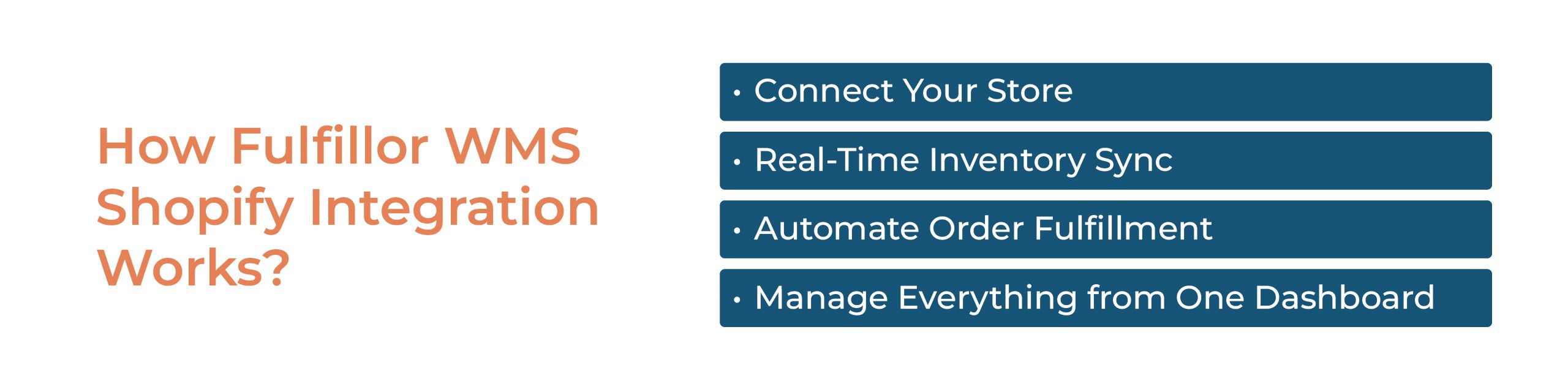
A reliable integration needs more than a successful store connection. It needs clear rules for what happens after an order arrives.
1. Import Eligible Orders
The setup should define which Shopify orders are ready to enter fulfillment. Payment status, holds, shipping details, and required product information can affect eligibility.
An order with an unknown SKU or incomplete address should enter a visible exception process so the team can correct it before warehouse work begins.
2. Allocate Available Inventory
The WMS checks the stock available for the order and allocates it according to the configured rules.
Physical stock and available stock are different. Units may already be reserved, damaged, quarantined, or awaiting inspection. For a multi-client 3PL, allocation must also use inventory belonging to the correct client.
3. Guide Picking and Packing
Once released, the order moves into the warehouse’s picking and packing workflow.
Digital instructions can show the product, location, quantity, and packing requirements. Barcode validation helps employees confirm that they have selected the correct items.
These controls support more accurate warehouse picking while leaving shortages, incorrect scans, and other exceptions visible for review.
4. Send Shipment Updates Back
After shipment processing, the integration can return supported fulfillment and tracking information to Shopify.
Confirm which events trigger these updates, what information is transferred, and how failed updates are identified and retried.
How Inventory Synchronization Works
Inventory synchronization connects warehouse stock changes with the quantities shown on sales channels.
Receiving, allocations, shipments, cancellations, adjustments, and inspected returns can affect availability. The integration needs to translate those events into the correct sellable quantity.
For example, a warehouse might hold 100 units of a product, but 20 are allocated to existing orders and five are damaged. Publishing all 100 units as available would overstate what the business can promise.
Update timing depends on the integration design and the connected platform. Some connections process events promptly, while others use scheduled updates. Ask about update frequency, failed-sync alerts, and recovery procedures instead of assuming every change appears instantly.
Reliable inventory synchronization, accurate stock records, and allocation rules work together to reduce overselling risk.
Connecting Shopify With Amazon and Other Channels
Adding Amazon or another marketplace introduces another source of orders drawing from warehouse inventory.
The operation needs a clear way to coordinate availability across those channels. That may involve sharing a common stock pool, reserving quantities for specific channels, or maintaining a stock buffer.
Each connection should be checked individually. Order imports, cancellations, shipment updates, and supported data can differ between platforms.
For businesses selling through both channels, review the Amazon integration alongside the Shopify connection. Confirm the required workflows rather than assuming every integration behaves identically.
Prebuilt Integrations, APIs, and Custom Connections

Warehouse connections can be delivered through prebuilt integrations, third-party services, or custom API development.
A prebuilt connection may cover standard order, inventory, and shipment workflows. A custom connection may be needed when an ERP, client application, or unusual business process requires additional data or rules.
Before choosing an approach, confirm:
- Whether the required connection is already available
- Which records move in each direction
- Which configuration or development work is required
- Who monitors and maintains the connection
- Whether setup and ongoing support involve additional costs
The integration directory provides a starting point for reviewing available connections.
What to Configure Before Going Live
Start by agreeing on which system owns each record. Product data, warehouse quantities, channel availability, and fulfillment status need defined responsibilities.
Then check SKU and variant mapping, inventory locations, client ownership, order eligibility, shipping services, and cancellation handling.
Test exceptions as well as successful orders. Useful scenarios include:
- Two channels receiving orders for the last available unit
- A cancellation arriving after picking starts
- An order containing an unknown SKU
- A shipment update failing to reach Shopify
- A return being received but remaining unavailable after inspection
Begin with a controlled set of orders. Expand once teams can follow the workflow and resolve errors without losing track of inventory or order status.
Supporting Multi-Client 3PL Operations
For a 3PL, connecting sales channels also means keeping client accounts separate.
Orders, inventory, shipping preferences, reporting, and permissions must remain associated with the correct business, even when several clients use Shopify or sell identical products.
Fulfillor connects these activities within a multi-client 3PL WMS. Evaluate the platform using your own client stores, products, warehouse locations, and fulfillment requirements.
Final Thoughts: Keep Store and Warehouse Records Connected
WMS Shopify integration is useful when it gives the store and warehouse a dependable way to exchange orders, inventory availability, and shipment updates.
The value comes from clear ownership, accurate records, tested workflows, and visible exceptions. Connecting more channels should make fulfillment easier to coordinate as the operation grows.
Schedule a call to discuss your Shopify, marketplace, and warehouse integration requirements.
Frequently Asked Questions
Do I need a WMS if I already use Shopify?
Not necessarily. Shopify may be sufficient for a business with straightforward inventory and fulfillment requirements. A WMS becomes worth evaluating when location-level stock control, picking accuracy, multiple warehouses, or client-specific workflows become difficult to manage with existing tools.
How long does a WMS Shopify integration take to implement?
Timing depends on the connection’s availability, product data quality, warehouse configuration, and required workflows. Establishing the connection is only part of implementation. Allow time for mapping, inventory reconciliation, exception testing, and staff preparation before processing live orders.